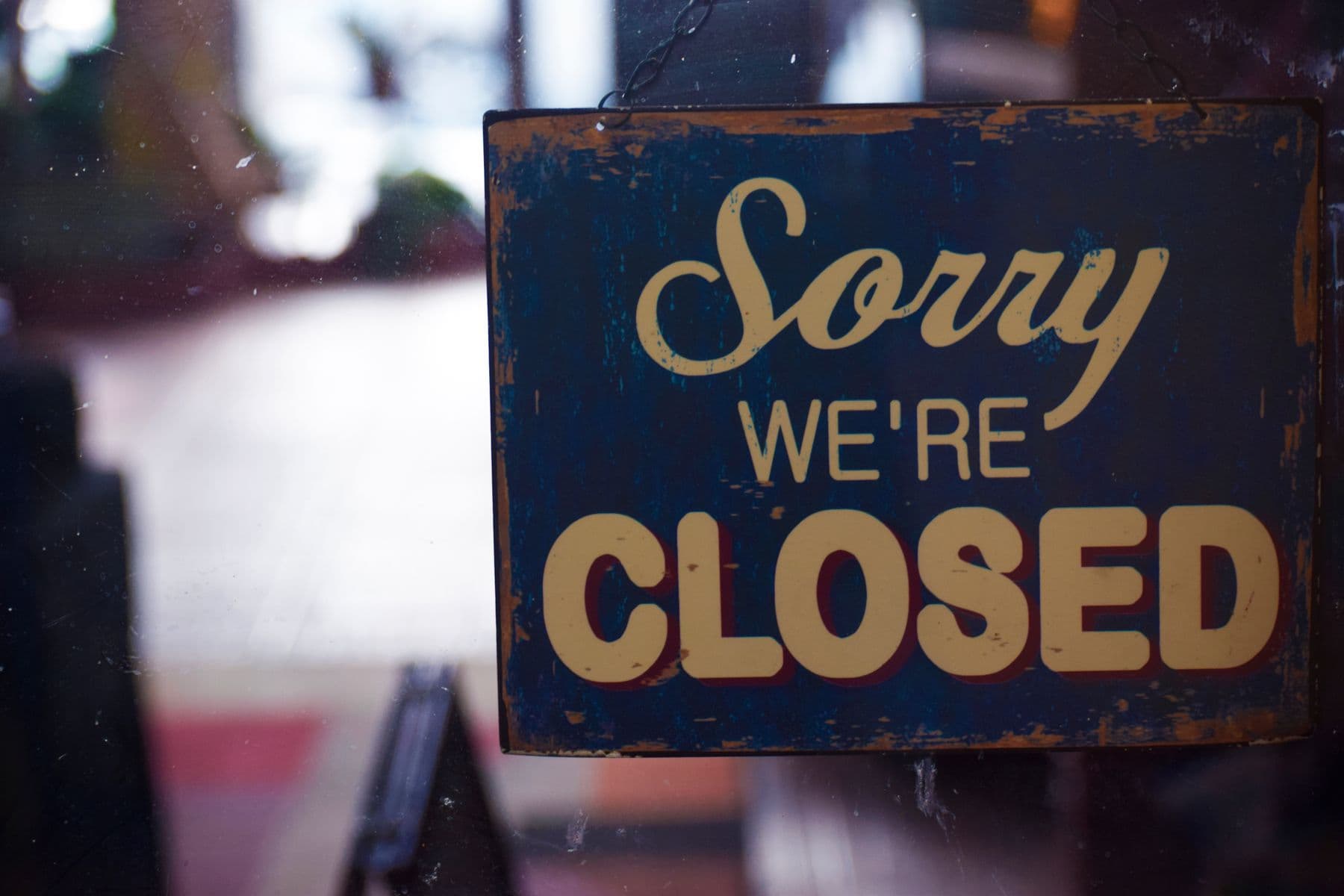
A customer checks your café on Google at 10:15 on the Day of Reconciliation. It says “Open”. She arrives to find a handwritten sign saying you closed at 10. She is unlikely to care which member of your team forgot to update the listing. From her side, the business gave her two different answers.
Festive trading hours are a small piece of customer service with several public versions. Decide the real schedule first, then put the same dates and times on Google Business Profile, your website or booking page, WhatsApp Business, and the door. Google has a Special hours setting for individual holidays, so a one-day change need not overwrite your normal weekly hours. Check what a customer sees after saving, and give one person responsibility for late changes.
Platform instructions and South African holiday dates checked on 6 November 2026.
Start with one schedule your staff can actually honour
Before opening an app, write a dated list: when the shop opens, when it closes, the last time an order or appointment will be accepted, and who will answer messages after closing. Those are different promises. A restaurant might seat diners until 20:00 but stop takeaway orders at 19:30. A salon might keep the reception desk open while its last treatment slot is earlier.
For the coming South African festive period, the government’s 2026 public-holiday calendar lists Wednesday 16 December (Day of Reconciliation), Friday 25 December (Christmas Day) and Saturday 26 December (Day of Goodwill). It also lists Friday 1 January 2027 (New Year’s Day). These are dates to check, not an instruction to close: set your own actual hours for each. Add your local shutdown, stocktake, delivery cut-offs and reopening date too.
Here is a simple example for a neighbourhood bakery. It is illustrative, not a recommended schedule:
| Date | Shop door and Google | Orders and messages |
|---|---|---|
| 16 December | Open 07:00–12:00 | Cake collection ends 11:30 |
| 24 December | Open 07:00–14:00 | Last same-day order 12:00 |
| 25–26 December | Closed | Away reply gives 28 December reopening time |
| 1 January | Closed | Normal service resumes 2 January |
Notice the gap between open hours and service cut-offs. Put the former in map listings; explain the latter on your own site, order page and customer messages. A single “we’re open” graphic cannot carry all of that detail.
How do you change holiday hours on Google?
In your Google Business Profile, choose Edit profile → Hours → Special hours, add the affected date, and enter that day’s hours or mark it closed. Save and repeat for each changed date. Google recommends confirming official holidays even when your hours stay normal, so customers can see that those hours were checked. Its special hours appear only on the selected days; your regular hours remain in place.
Use the right setting for the length of the change. Google says Special hours suits a temporary change or closure of up to six consecutive days. For a closure of seven or more days, or one with no known end date, it advises marking the business Temporarily closed. If your summer schedule changes for weeks, update your regular customer-facing hours for that season rather than adding a string of exceptions. Google also distinguishes a shop’s general hours from separate delivery or takeaway hours; check those where relevant.
After saving, search for your business by name on a phone and inspect the customer-facing result for the dates you changed. Check the correct branch if you have several locations. Do not assume a saved edit has reached every customer view instantly; keep the door and your own booking page accurate while you verify it.
The other places that can contradict Google
Your website and ordering or booking flow. Put the dated schedule where a customer makes the decision to travel, order or book, not only in an Instagram story. If the checkout accepts Christmas Day collection when the shop is shut, the problem has moved from a confusing listing to a broken promise. Test a booking or order from the customer side after changing the settings.
WhatsApp Business. Its business profile displays hours, and the app’s away-message setting can send a custom reply on a schedule. For a short festive exception, use a dated away message that states when you will reply and whether orders are being accepted. Check your displayed hours too. WhatsApp’s ordinary business-hours field is a weekly schedule, so do not assume a Google holiday exception updates it for you. If an away reply is set to “outside of business hours”, WhatsApp says those profile hours must be configured, and the phone needs an internet connection to send the reply.
Other maps and physical signs. If customers find you on Apple Maps, check the location there as well; Apple describes special hours for holiday and seasonal changes. Print a small, legible sign with dates, opening and closing times, and the reopening date. Take down the old sign when normal trading resumes. A customer standing outside should not have to guess whether “closed for the holidays” means tomorrow or next month.
Your staff’s script. Give whoever answers the phone, inbox or front desk the same schedule. Include exceptions such as last kitchen orders, delivery availability and voucher collection. If a manager changes a shift, that person should also trigger the public updates.
Make the final check from the pavement, not the dashboard
Two or three days before each unusual date, ask someone who did not enter the hours to try three ordinary tasks: find the business on Google, place a test booking or order, and send a WhatsApp message after closing. The test should reveal the same opening time, the same closure and a useful next step on every channel. A screenshot of each customer view gives you a record to compare when someone reports a mismatch.
If a sudden closure happens, update the channels that make immediate promises first: the booking or ordering page, the live map listing, the away reply and the door. Then review any scheduled posts that say “open today”. When you reopen, reverse the temporary messages. The work is finished when a customer can make a reliable plan, not when the manager has ticked an admin box.
Cover photograph: Miguel Montejano / Pexels, used under the Pexels License.