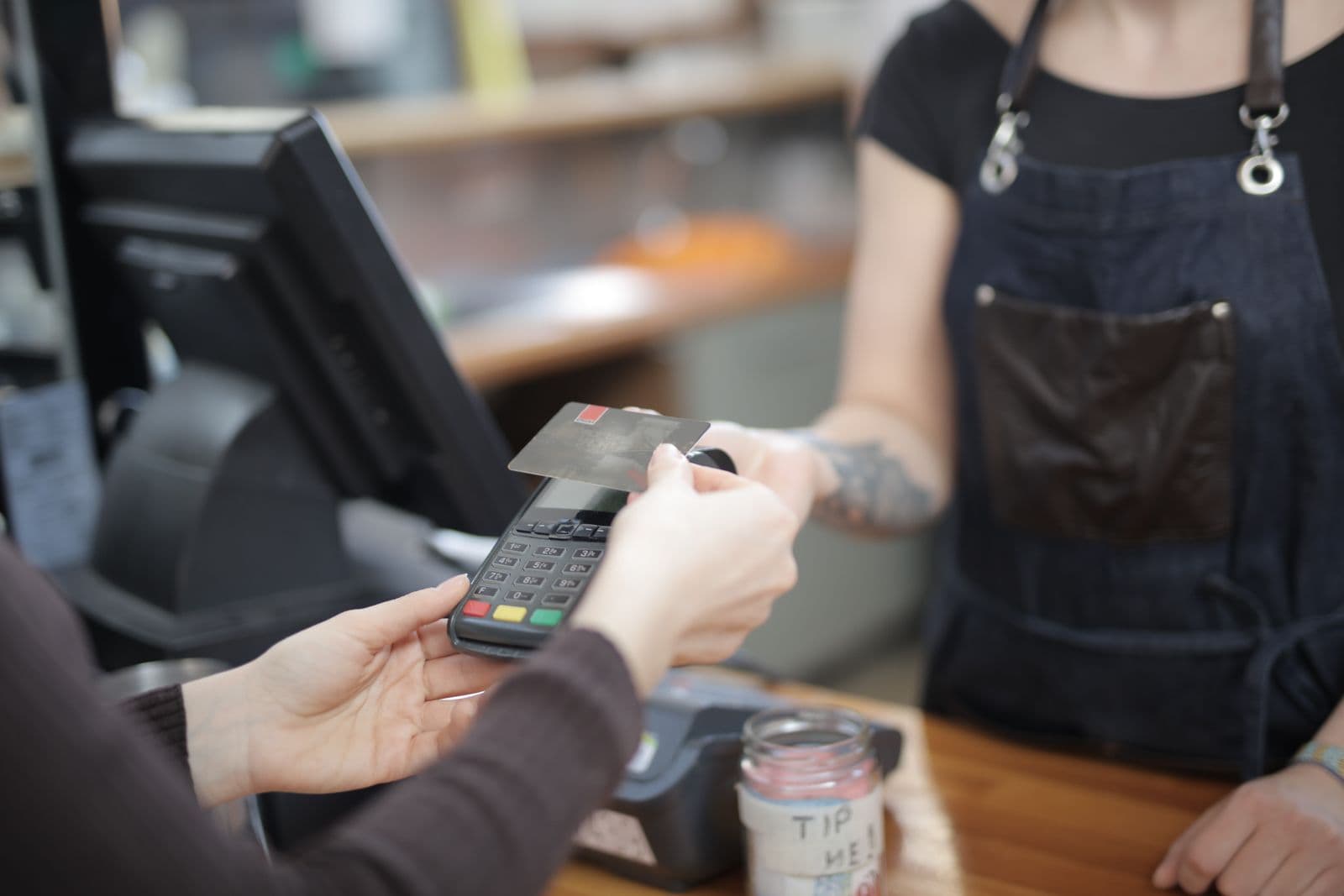
Short answer: If your card machine stops working, first find out whether the last payment went through. Check the terminal or payment provider's transaction history before tapping the card again. Then work out whether the problem is one card, the terminal's connection, your point-of-sale (POS) system, or the provider. Offer a backup payment method that your business has already set up, confirm the payment on your side, and reconcile every affected sale at closing time.
A busy Saturday lunch service or a queue at a township spaza shop is the wrong moment to invent a payment process. This is a practical checkout plan for South African merchants who need to keep trading without charging a customer twice or handing over goods against a fake payment confirmation.
First, check the payment that appears to have failed
A frozen screen or a POS error does not prove that the card transaction failed. Yoco's guidance on POS and card-machine workflows says to check the transaction history when the result is unclear, because the payment may have succeeded even though the checkout did not finish. Retrying immediately can create a duplicate charge.
Use this rule at the counter:
| What your merchant transaction history shows | What to do with the sale |
|---|---|
| Approved, with the expected amount | Mark or reconcile the order as paid. Do not ask the customer to pay again just because the POS still shows the order as open. |
| Declined, with no approved transaction for that sale | Explain the result and invite another card or a prepared backup method. |
| No clear result, or the provider history is unavailable | Pause the retry. Record the order and amount, contact the provider if needed, and use a separate confirmed method only after you can account for the first attempt. |
If a duplicate charge is later confirmed, follow your provider's refund process and update the POS record too. The terminal and POS may keep separate records, so changing one does not necessarily correct the other (Yoco).
Find the fault without holding up the whole queue
Start with the narrowest possibility. Is it one customer's card, or are several cards failing? Is the terminal powered and connected? Can the POS still take orders even if card acceptance is down? If your device supports both Wi-Fi and mobile data, try the connection your provider recommends. For example, iKhokha documents switching its iK Flyer between Wi-Fi and its SIM connection; the controls and fallback options depend on your particular machine.
Check your provider's official status page or support channel before assuming that the fault is in your shop. Yoco publishes a service-status page. A working internet connection on a staff member's phone does not prove that the terminal, its own SIM, the POS integration and the payment provider are all working.
Give one staff member responsibility for the queue and another for diagnosing the fault. A simple, accurate message works: “Our card checkout is having trouble. We are checking whether your first payment completed. We can offer another method once we have confirmed that.” Do not call an uncertain payment “declined.”
Which backup payment method should a South African shop offer?
The best backup is one that is already registered to your business, tested by staff, and visible in a merchant account you control. Keep prices and the customer's order the same; only the tender changes.
| Backup | When it helps | What to check before handing over the order |
|---|---|---|
| Second card terminal | Your main terminal or its connection is faulty. A different connection or provider can reduce a shared point of failure. | Check the approved transaction in the backup provider's merchant history. Make sure the first terminal did not approve the same sale. |
| Merchant QR code or payment link | A customer can pay from their phone and your QR or link service is operating. SnapScan says its SnapStore app supports QR codes, payment links and merchant-side payment notifications. | Check the transaction in the merchant app or dashboard. Do not accept a screenshot as confirmation. |
| Bank payment, including PayShap where available | Both sides can use the chosen bank payment route and you can confirm receipt. SARB describes PayShap as a real-time bank-to-bank payment service; availability and limits can vary by bank and account. | Verify the incoming transaction in your bank account. An emailed or messaged proof is not enough. |
| Cash | You have a float, a secure cash process and the customer prefers it. | Issue the normal receipt and count it in the cash-up. Keep the sale associated with the original order. |
If none of these methods can be verified, offer to hold the goods or send a payment link later rather than treating an unconfirmed payment as settled. For food already prepared or services already delivered, record the unpaid order and follow your normal customer service process. A second device and merchant QR code should be set up before the outage; opening an untested account during a rush is not a contingency plan. For provider options and their usual trade-offs, see our South African card-payment provider comparison.
A R360 sale when the terminal freezes
Imagine a Cape Town takeaway with a R360 order. The customer taps, the terminal stalls, and the POS still says “unpaid.” The cashier asks the customer to wait while the manager checks the terminal's transaction history.
If R360 appears as approved, the manager links that payment to the order, marks it paid in the POS and gives a receipt. If the history shows a decline and no approval, the cashier offers the pre-tested merchant QR code. The manager releases the order only after the R360 payment appears in the merchant app. If the terminal result is still unknown, the manager records the attempted payment and contacts the provider; the team does not blindly run the card again.
This example assumes the merchant can see a reliable transaction status. If a provider dashboard is unavailable too, the manager should treat the first attempt as unresolved and document what was agreed with the customer.
Protect the customer and your business during the workaround
An outage is a tempting opening for payment fraud. Standard Bank warns businesses about fake or altered EFT proofs. A customer's banking screenshot, SMS or emailed “proof of payment” is not the same as a transaction visible in your merchant or bank account. Check the account yourself, especially before releasing high-value goods or arranging a refund.
Never photograph a customer's card, ask them to send card details by WhatsApp, or write down the card number and security code as a temporary checkout method. The PCI Security Standards Council says card verification codes must not be stored after authorisation. Use a payment service's proper customer-facing flow instead.
If a customer is charged twice, acknowledge it promptly, confirm both transactions in your provider records, and use that provider's refund flow. Give the customer a reference and a realistic update based on the provider's actual refund status. Do not promise that the money has arrived in their bank account simply because you initiated a refund.
Close the day with a clean payment record
For every sale affected by the outage, record the order reference, amount, time, payment method, transaction reference, and any refund or follow-up. Compare POS sales with each provider's approved transactions and the cash counted. Yoco recommends matching the POS card total with the terminal's transaction total. The amount deposited to your bank later may differ from gross sales because of fees and payout timing; iKhokha's payout-statement guide shows these as separate figures.
Flag unresolved attempts rather than hiding the difference in a generic “other” tender. A clear record helps you respond if a customer later reports a double charge or an unpaid order.
Make the next outage easier
Before the next trading day, write a one-page instruction for staff with the provider's status and support links, the steps for checking transaction history, the backup methods you actually accept, and the person authorised to handle uncertain payments or refunds. Keep the terminal charged, check its connection options, maintain a sensible cash float if you accept cash, and test the backup QR or second terminal with a small legitimate transaction at intervals. Train staff to say “unconfirmed” when that is the truth.
The aim is a calm checkout: one order, one confirmed payment, one receipt, and a record that balances at the end of the day. Once customers can complete that basic journey reliably, tools such as Hydra can help you recognise and reward their return visits.
Payment-provider features and guidance checked on 17 October 2026. Verify the current options, limits and refund process with your own provider and bank.
Cover photo: Andrea Piacquadio / Pexels, used under the Pexels License. The people pictured are illustrative and do not endorse Hydra.